
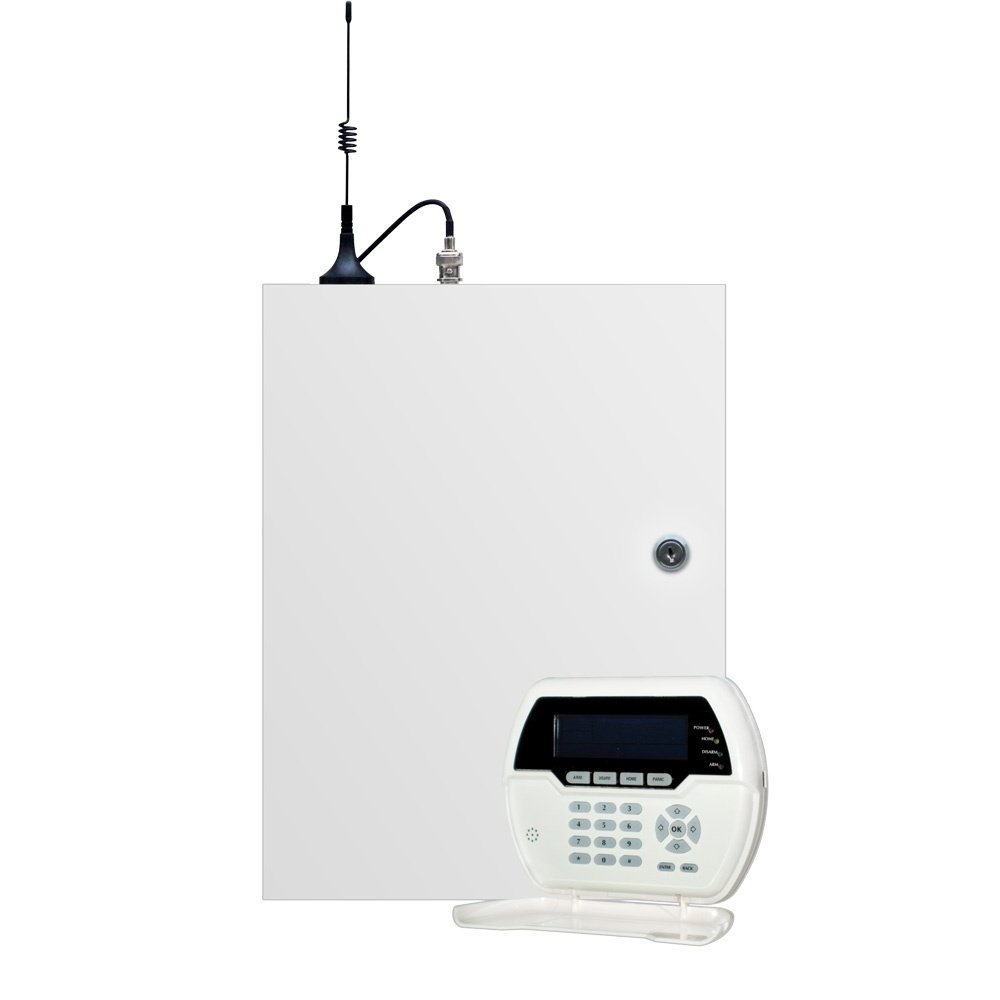
Description

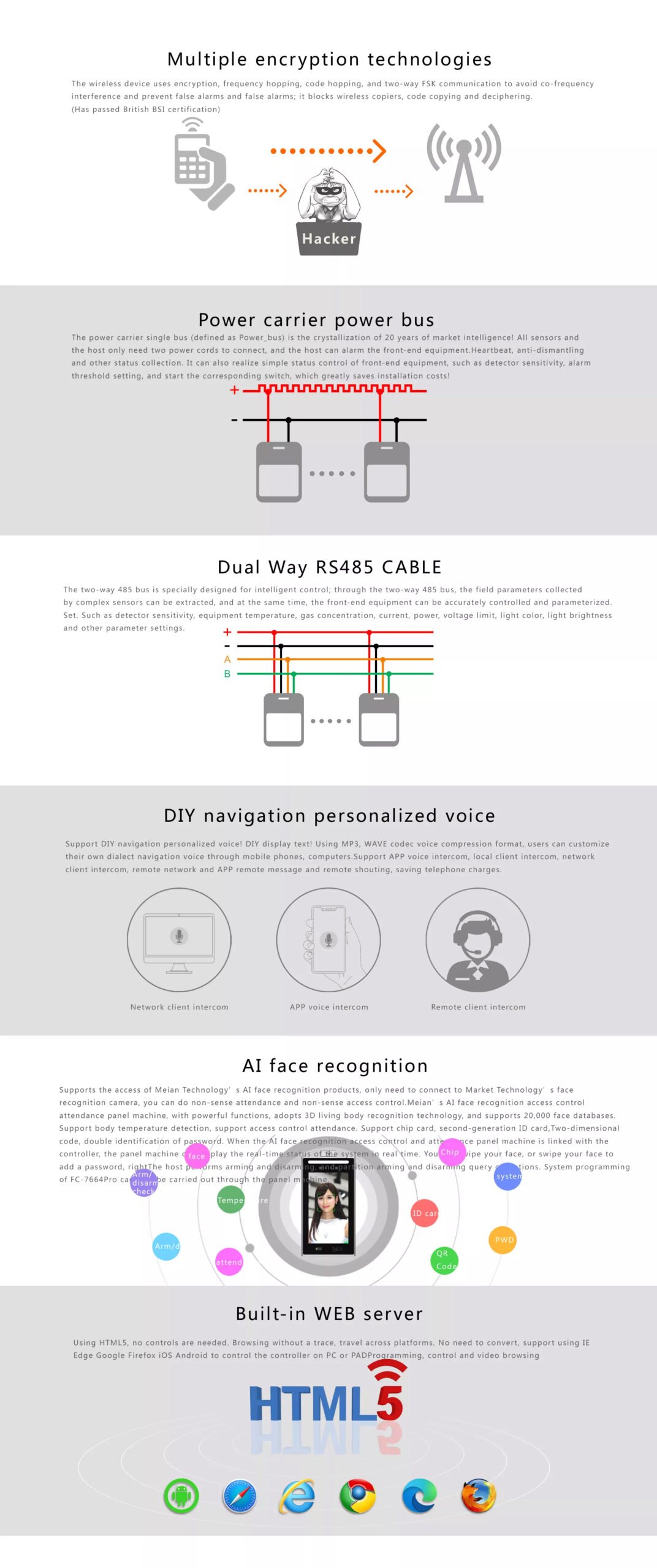
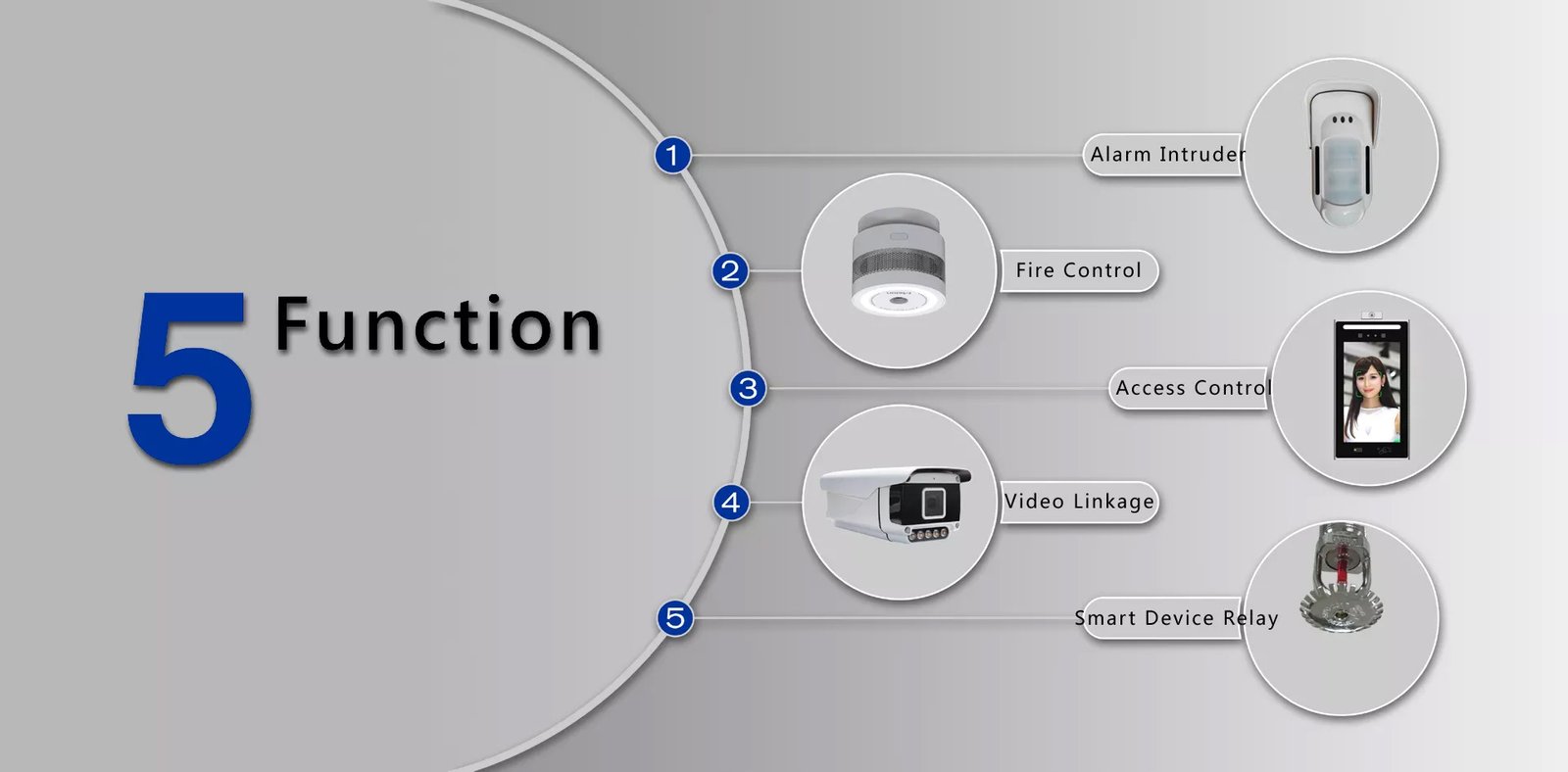
Ensuring Effective Integration and Operation
- Network Setup and Stability
- Ensure that both devices are not only connected to the same network but also that the network is stable and robust enough to handle the data traffic without latency issues, which can be critical during security events.
- Protocol Compatibility and Configuration
- Beyond basic TCP/IP settings, check if there are specific protocols or software needed for integration. Sometimes, manufacturers might offer specific plugins or software upgrades for enhanced compatibility and features.
- Strategic Camera and Sensor Placement
- When linking cameras with sensors, consider not just the point of entry but also the potential paths an intruder might take. This strategic placement ensures comprehensive coverage and reduces blind spots.
- Advanced Event Management Features
- Explore if the NVR supports advanced features such as analytics-driven event tagging or smart search filters which can streamline incident response and investigation processes.
- Regular Testing and Drills
- In addition to initial tests, schedule regular drills to simulate different scenarios. This helps in assessing the responsiveness of the system and the effectiveness of the setup under varied conditions.
Maximizing System Efficacy and Security
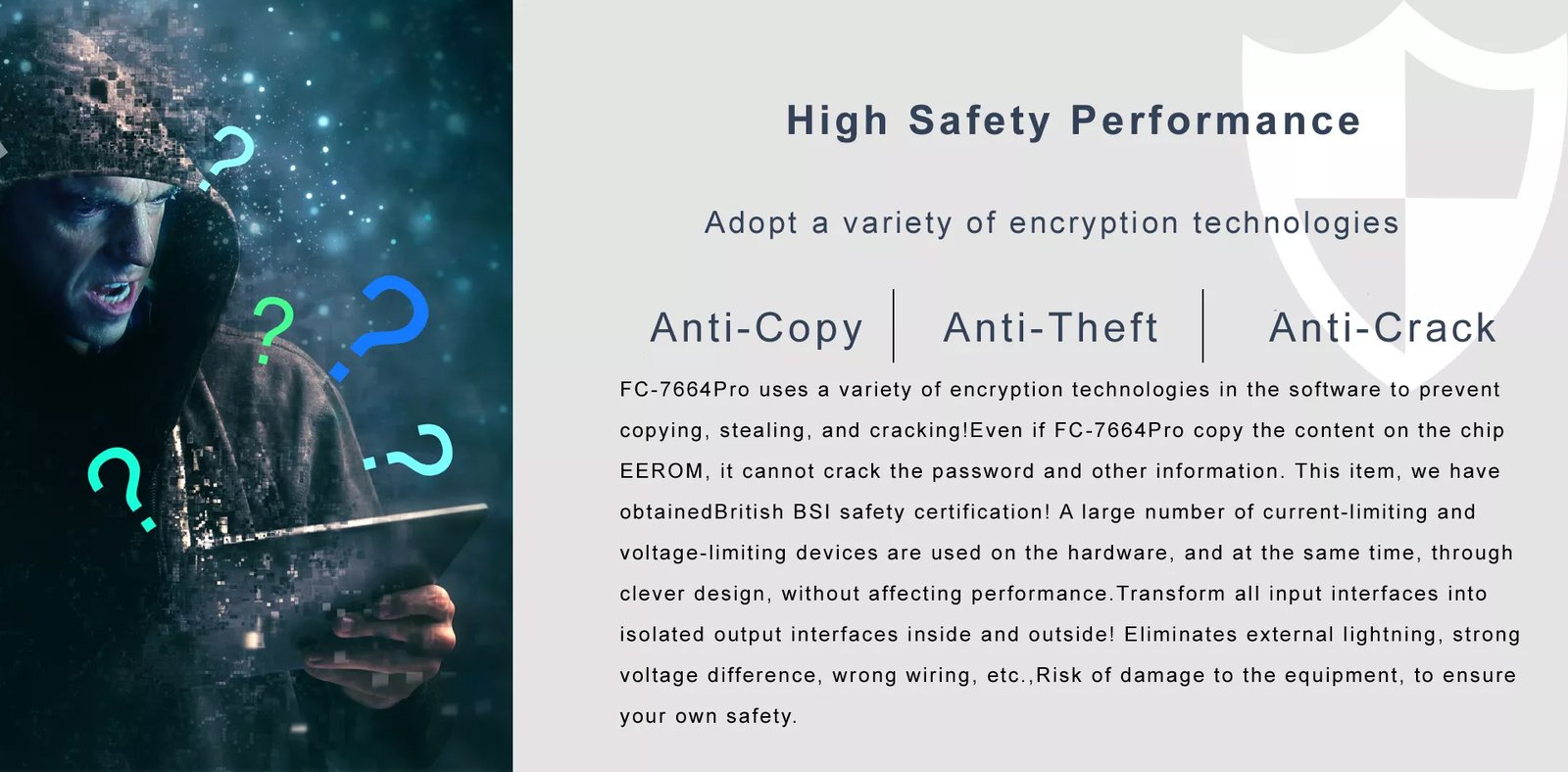
- Data Encryption and Network Security
- Implement strong encryption standards for the data being transmitted between the alarm control panel and the NVR. Additionally, ensure that the network itself is secured with firewalls, anti-malware tools, and intrusion detection systems.
- Scalable Storage Solutions
- Consider cloud storage solutions as an adjunct to physical storage to handle increased data loads during high alert periods. Cloud storage can also offer remote access capabilities which can be crucial during emergencies.
- Firmware and Software Updates
- Automate firmware and software updates where possible. Keeping the systems updated not only enhances security but also ensures you benefit from the latest features and improvements.
- Compliance with Legal Requirements
- Ensure that the entire system, especially the video recording aspect, complies with local laws and regulations regarding surveillance and data privacy.
- Training for Personnel
- Train security personnel and system operators on both the hardware and software aspects. Understanding how to operate the system efficiently and how to respond during different alarm events can significantly impact the outcome of security incidents.


