

Description
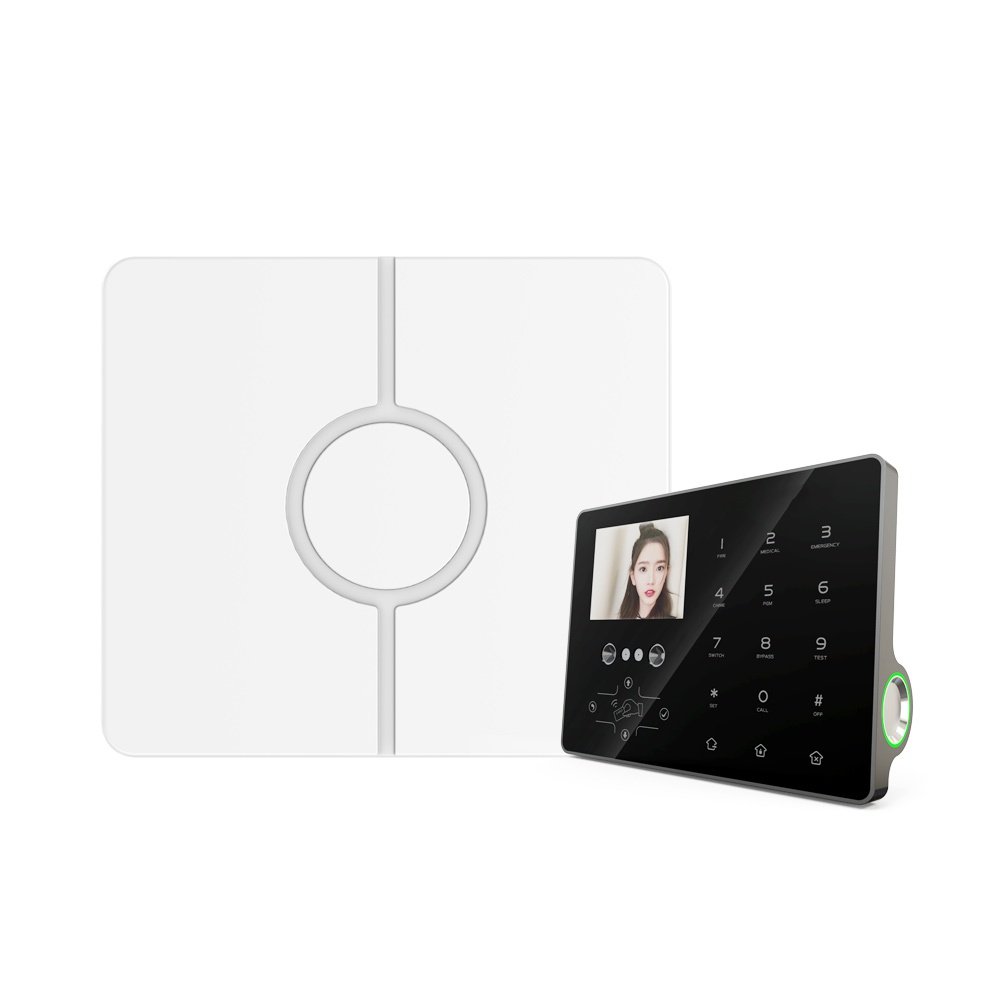
1. Alarm Control Panel:
- Function: Detects events through connected sensors (e.g., motion detectors, door contacts, glass break sensors).
- Communication: Can communicate with other devices and systems using various protocols (e.g., TCP/IP, RS-485).
2. Network Video Recorder (NVR):
- Function: Records and stores video footage from IP cameras.
- Connectivity: Typically connects to cameras and networks via Ethernet, supporting large amounts of data and high-quality video streams.
Steps for Integration
Step 1: Connect Both Systems to the Same Network
- Ensure both the alarm control panel and the NVR are connected to your local network. This enables communication between the two devices.
Step 2: Configure IP Settings
- Assign static IP addresses to both the NVR and the alarm control panel to avoid IP conflicts and ensure reliable connectivity.
Step 3: Enable Communication Protocols
- Configure the alarm control panel to send alerts or triggers to the NVR. This might involve setting up TCP/IP protocols or specific integration software provided by the manufacturers.
Step 4: Link Cameras with Alarm Sensors
- Align specific cameras to correspond with alarm sensors. For example, if a door sensor is triggered, the corresponding camera pointing to that door should start recording.
Step 5: Setup Event Management in NVR
- Configure the NVR to respond to triggers from the alarm control panel. This can include recording at higher quality or frame rate when an alarm is triggered or tagging video footage with event markers.
Step 6: Test the System
- Conduct tests to ensure that when an alarm is triggered, the corresponding cameras record as expected, and the footage is accessible and correctly tagged.
Key Benefits
- Enhanced Verification: Provides visual verification of alarms, which can reduce false alarms and aid law enforcement in case of actual incidents.
- Event Tagging: Automatically tags video footage with alarm event details, making it easier to search through video records.
- Proactive Security Measures: Allows for immediate action, such as moving a PTZ (Pan-Tilt-Zoom) camera to focus on the area where an alarm was triggered.
Considerations
- Compatibility: Check compatibility between the alarm control panel and NVR. Not all systems communicate seamlessly without additional configuration or middleware.
- Network Security: With both systems connected to the network, ensure robust cybersecurity practices to prevent unauthorized access.
- Storage Requirements: Higher quality or increased video recording during alarms can quickly consume storage space. Ensure your NVR has adequate storage or scalable options.
- Maintenance: Regularly update firmware and software to maintain compatibility and security. Regular checks to ensure the system functions correctly are crucial.


