
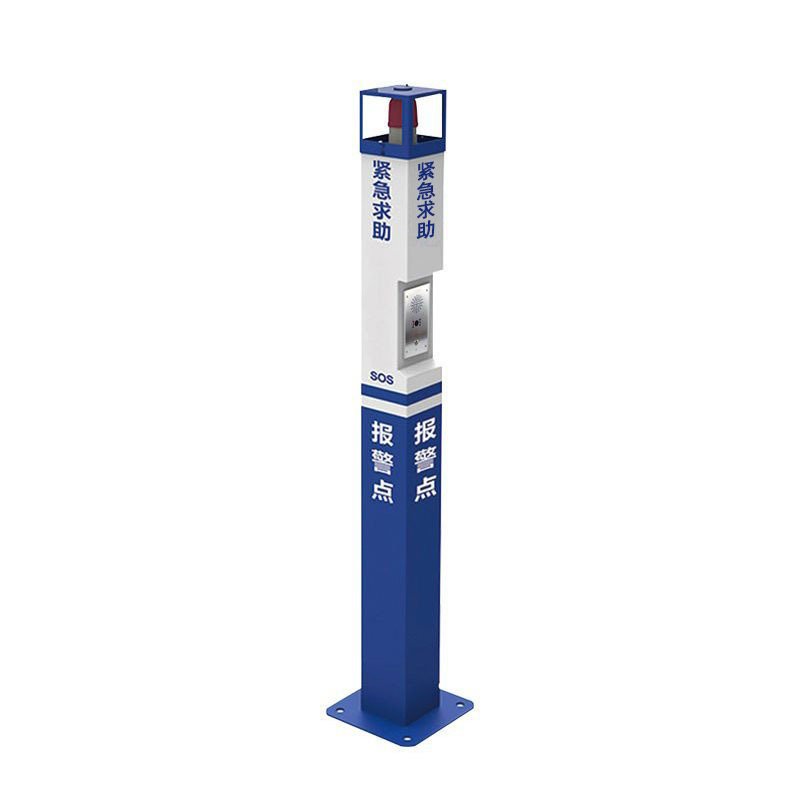
Description


Key Features of One Click Alarm and Help Intercom Column:
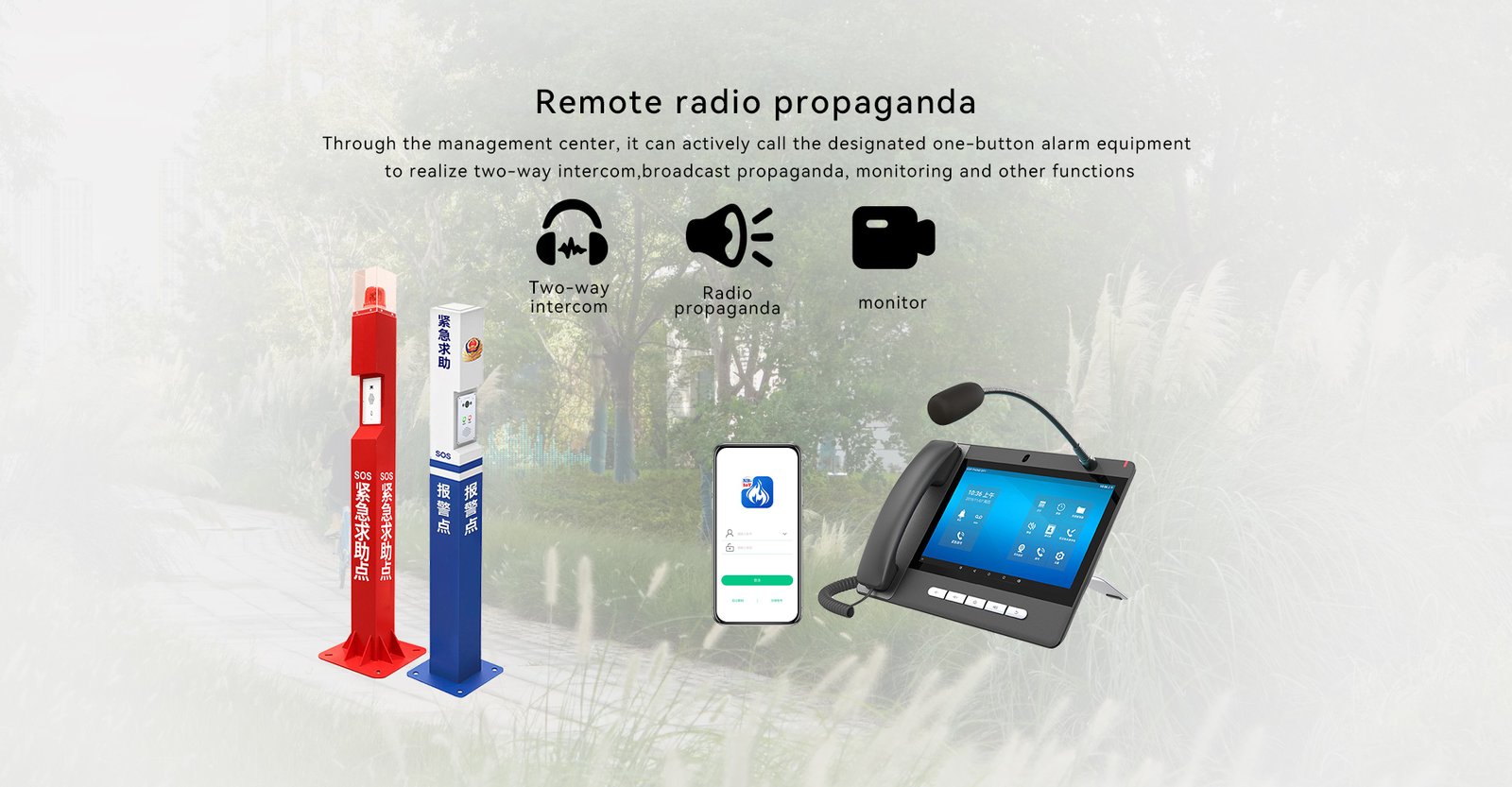
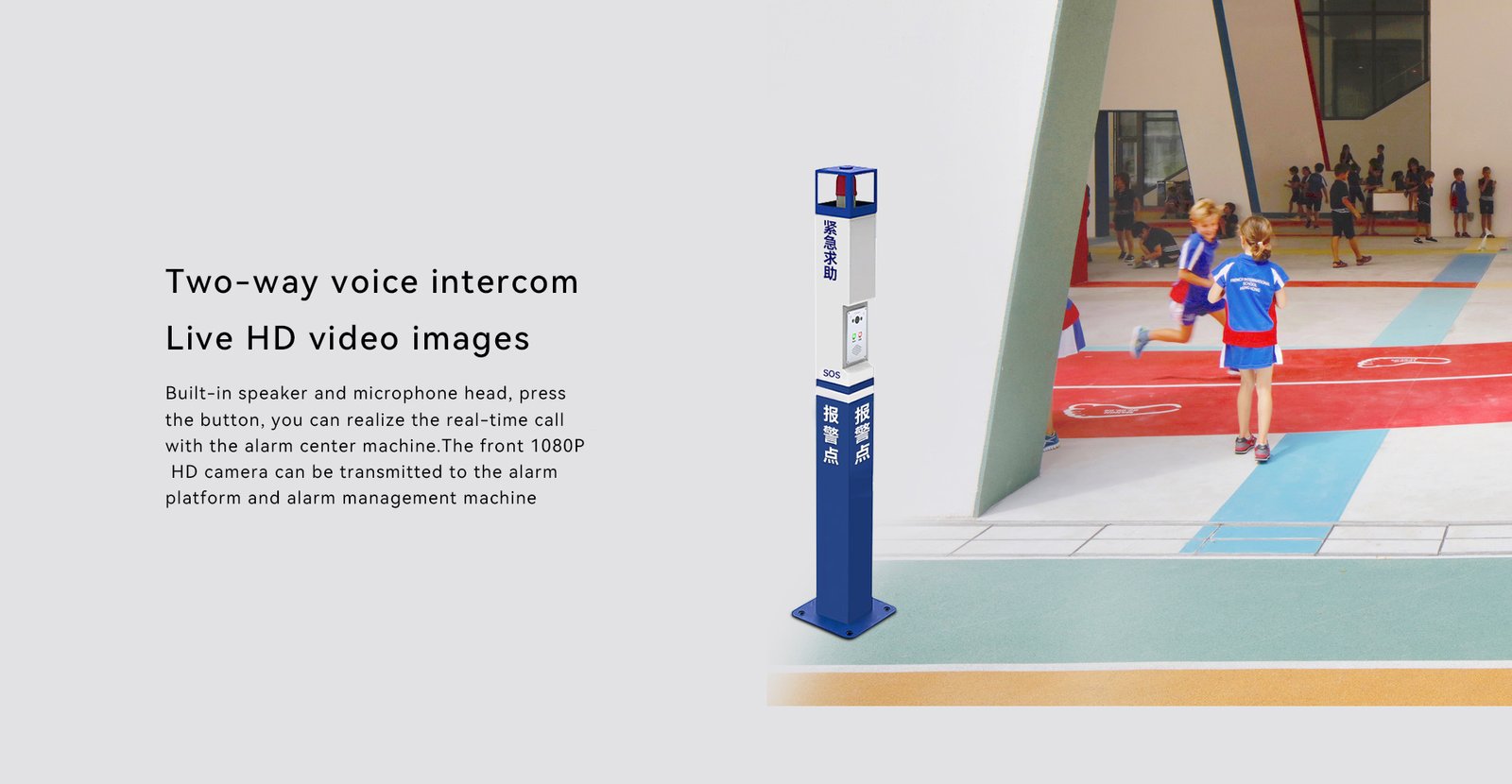
- Instant Communication: The intercom functionality allows the person in distress and the responder to communicate directly and instantly. This helps in assessing the situation quickly and providing the appropriate assistance.
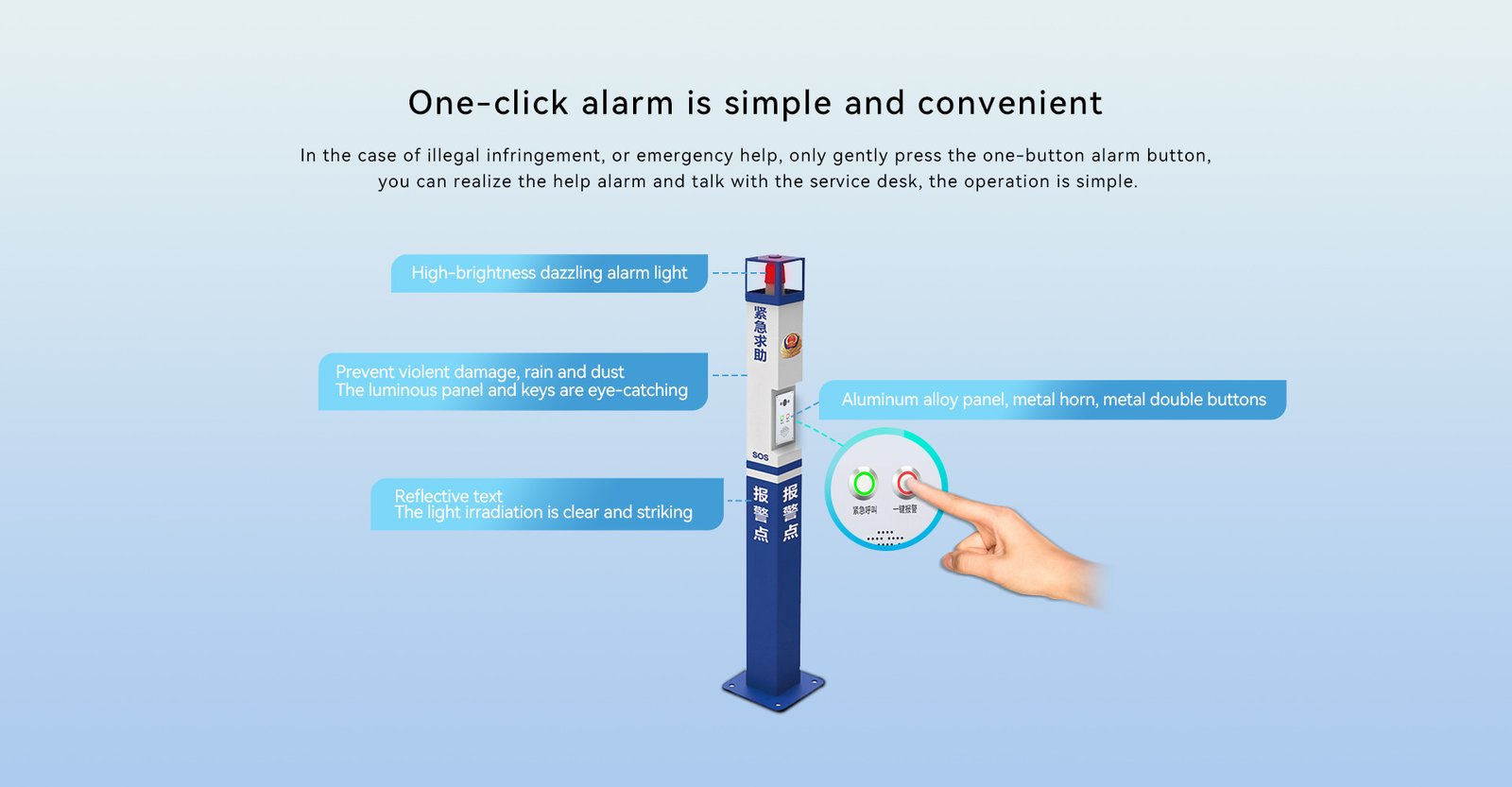
- Easy Activation: Features a prominently placed, easy-to-press button that can be activated even under stress or by individuals with limited physical abilities.
- Visual and Audible Indicators: On activation, the system can trigger visual (flashing lights) and audible alarms (siren or voice announcements) to alert nearby people and security personnel.
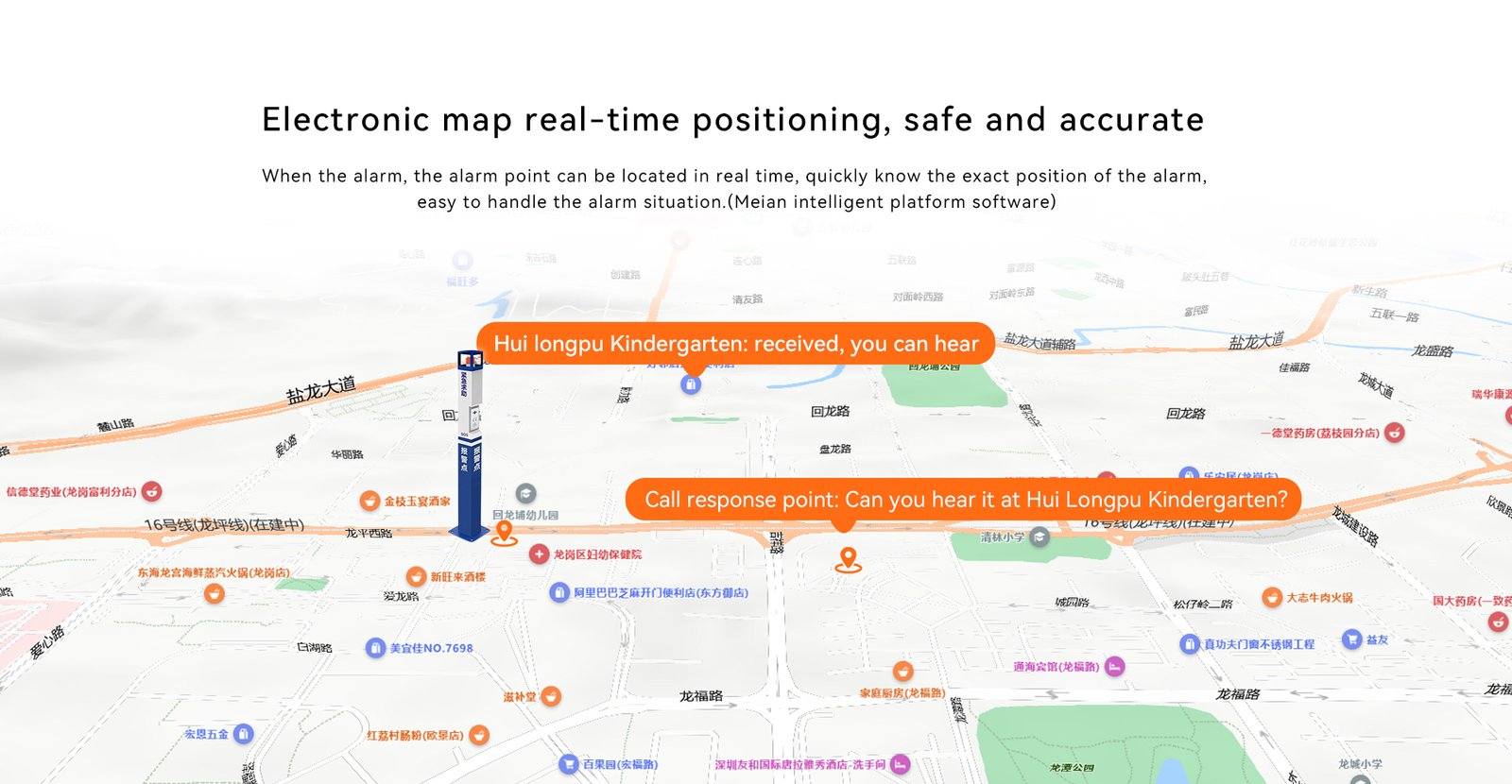
- Integrated Connectivity: Often connected to a central monitoring system or security control room via wired or wireless networks, ensuring that help is dispatched immediately.
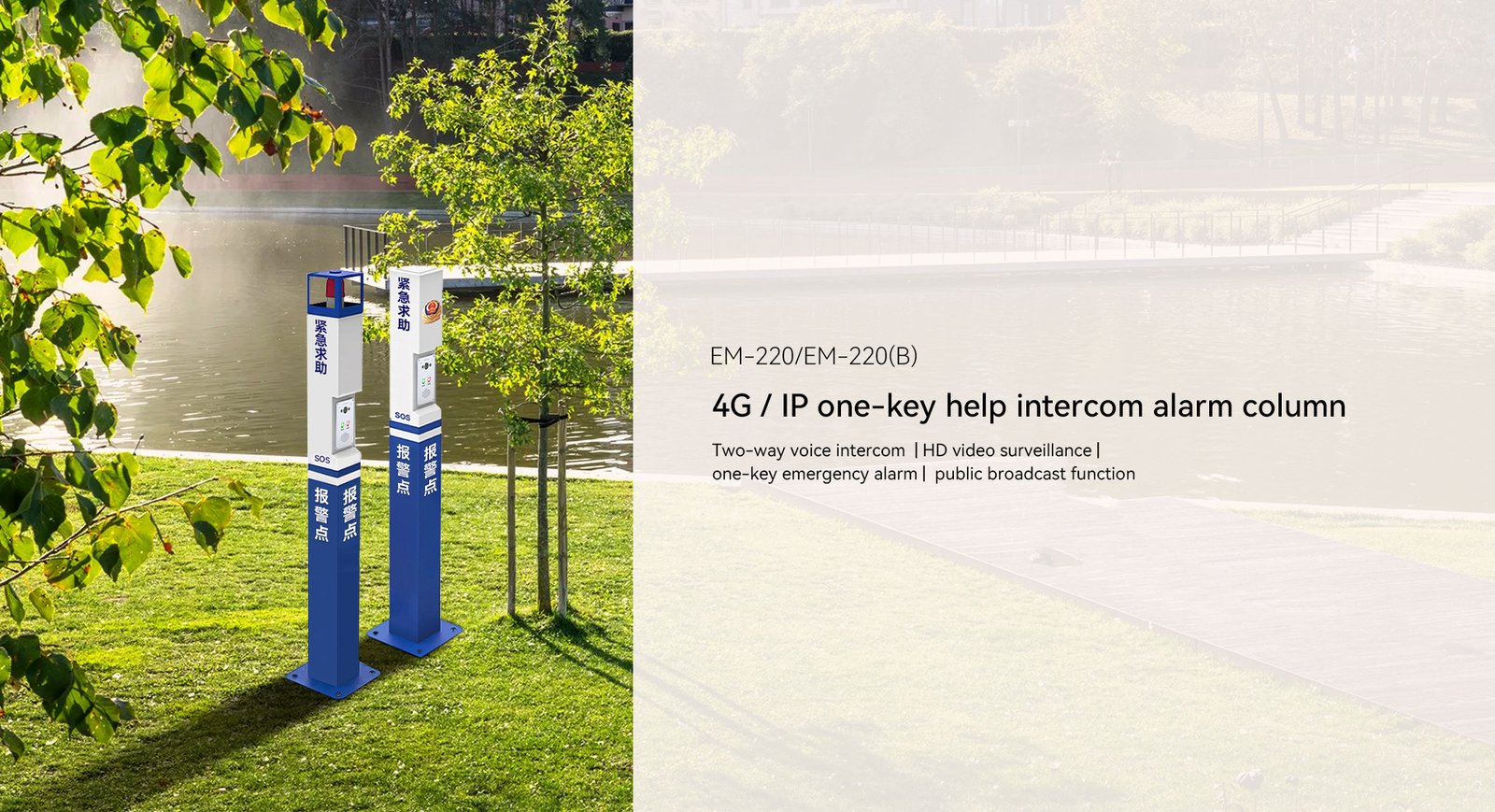
- Robust Construction: Typically built to be durable and weather-resistant, allowing for installation in a variety of environments including outdoor settings.
- Accessibility: Designed to be accessible according to ADA (Americans with Disabilities Act) standards, ensuring that everyone, including those with disabilities, can use it effectively.
Installation and Operational Details:
- Strategic Placement: Columns should be installed in easily accessible and strategically important locations such as hallways, near elevators, in parking lots, or in large gathering areas.
- Regular Maintenance: Regular checks and maintenance are necessary to ensure the system is operational at all times and to prevent malfunctions.
- User Training: Regular training sessions for potential users on how to use the system effectively can enhance the responsiveness in emergency situations.
Considerations:
- Integration with Other Systems: Integration with CCTV, access control, and other security systems can provide a comprehensive safety solution.
- Privacy and Legal Compliance: Ensure compliance with laws regarding privacy and surveillance, especially when integrating audio and video communication features.
- Scalability: The system should be scalable and adaptable to accommodate future expansions or technological upgrades.
Applications:
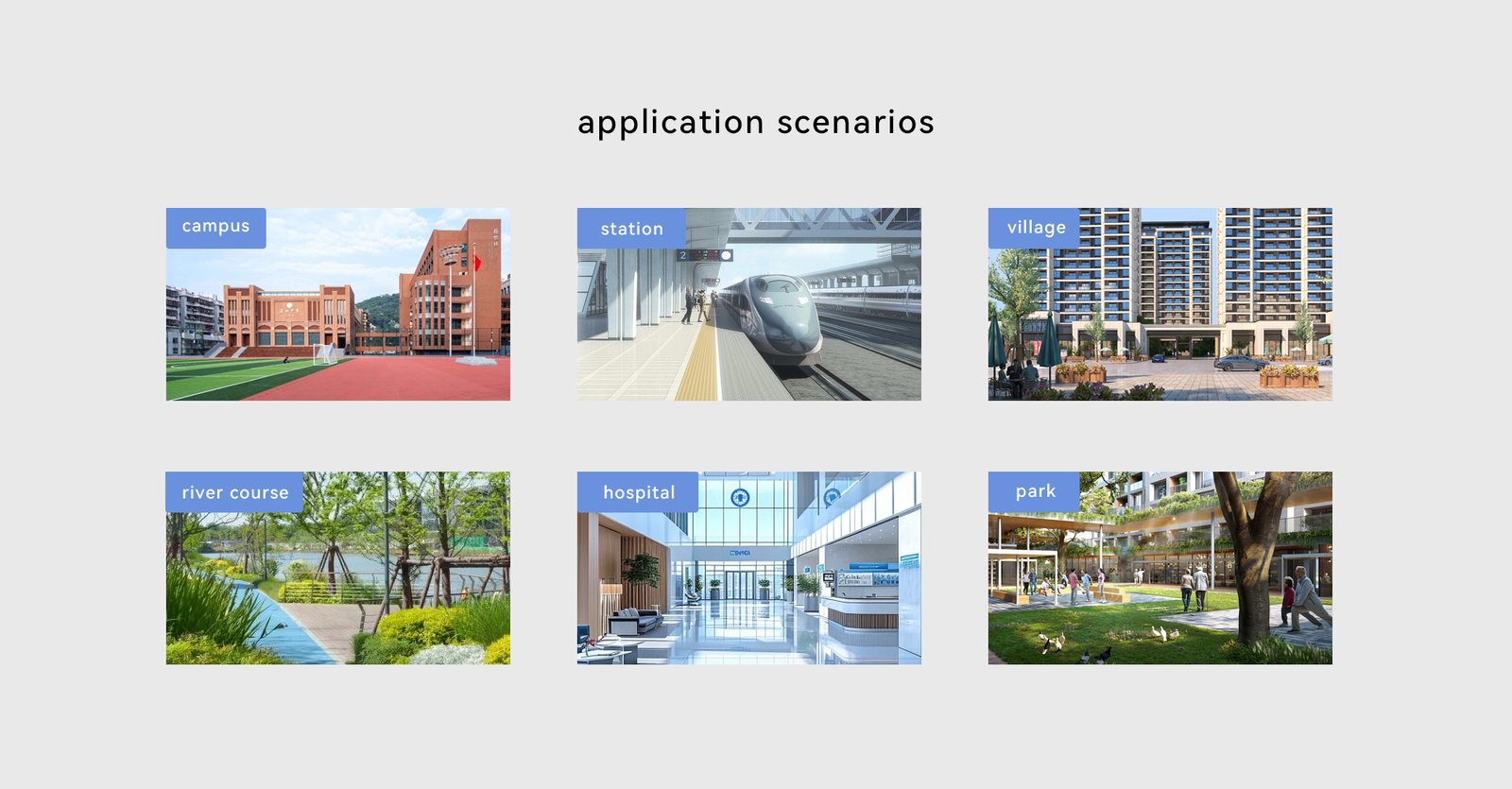
- Educational Campuses: Provides a quick way for students and staff to seek help or report emergencies directly to campus security.
- Healthcare Facilities: Allows patients, visitors, or staff to quickly call for medical assistance or alert security in case of emergencies.
- Public Transport Terminals: Useful in bus stations, airports, and train stations where rapid response is needed for passenger safety.
- Residential Complexes: Enhances security in large residential areas by providing a direct line to security personnel.
